Hackers on the Hill Style & Feel Guide
Modern • Clean • Minimal • Civic • Human • Neutral
This guide helps volunteers create consistent, recognizable visuals across logos, stickers, social cards, print pieces, and web UI. Keep the system tight and the execution calm so every location feels like the same family.
Cheat Sheet
The 5 Rules
- Legibility wins (works at sticker size and social avatar size).
- Minimal beats busy (one idea per graphic).
- Civic and modern (never cyber-edgy).
- Black and white first; accents are deliberate (purple = structure, gold = action).
- Local identity is welcome, but the family resemblance stays.
Avoid List
- Stock photos (and generally photos).
- Circuits, code rain, glitch, neon cyber aesthetics.
- Hoodies, stereotypes, or hacker villain vibes.
- Handshakes, suits, corporate cliches.
- Locks, shields, eagles, gavels, flags as backdrops.
- Gradients, bevels, textures, heavy effects.
- Bright or loud palettes beyond a small highlight.
When in doubt
Choose clarity and neutrality over style flourishes. If it does not read instantly, simplify it.
Brand vibe / anti-vibe
- Reads like a public-interest briefing: calm, credible, human.
- Neutral and non-partisan; no adversarial or edgy energy.
- One clear idea per asset; clarity beats cleverness.
- Flat, clean, and minimal with generous whitespace.
Details, rationale, checklist
The brand should feel like civic service: modern, steady, and easy to parse for busy audiences. Aim for quiet confidence, not hype.
Do
- Use calm, neutral language and visuals.
- Use flat shapes and simple geometry.
- Leave space around key messages.
Don't
- Use cyber tropes or dramatic effects.
- Over-decorate or add visual noise.
- Imply partisanship or ideology.
No-go list (explicit)
- Stock photos or photo-heavy layouts.
- Circuit traces, code rain, neon cyber visuals.
- Hacker stereotype imagery (hoodies, masks).
- Handshakes, corporate stock vibes, generic office shots.
- Locks, shields, eagles, gavels unless explicitly approved.
- Gradients, bevels, 3D, textures, heavy effects.
- Bright or loud palettes beyond a small highlight.
Checklist
- Feels neutral, credible, and calm.
- One main idea, instantly readable.
- No visual cliches or cyber motifs.
Color system
- Neutrals dominate; black, white, and grey do the heavy lifting.
- Purple is for structure and accent; gold is for action.
- Local colors are highlight-only and used sparingly.
- Keep palettes tight: 1 to 2 accents max per piece.
Details, rationale, checklist
Canonical tokens
Neutrals
- Dark Black
#121212 - Hamlet Black
#2B2B2B - Revolution Grey
#999999 - Shmoo White
#F5F5F5 - Bright White
#FDFDFD
Accents
- Rich Violet
#6B46A3 - Bright Lavender
#B794F6 - Buzz Gold
#EAAA00 - Buzz Inverse
#FFBF1F
Rules
- Gold is for action or priority only (buttons, primary calls to action).
- Purple is for structure (dividers, headings, subtle emphasis).
- Local colors can appear as a single highlight element, never a full rainbow palette.
- Contrast matters more than style; make text and icons instantly readable.
Checklist
- Neutrals are the base in every design.
- Accent colors feel deliberate, not decorative.
- Local colors stay small and focused.
Typography
- Manrope is primary; Noto Sans is the fallback.
- Stick to Regular, Medium, and SemiBold weights.
- Sentence case, normal letter spacing, readable sizes.
Details, rationale, checklist
Typography should be calm and highly readable. Treat text as the primary design element in most assets.
Usage
- Use sentence case for headers and body copy.
- Avoid all caps except for tiny labels or short tags.
- Keep line lengths short (around 60 to 70 characters).
- Prioritize contrast over stylistic flourishes.
Checklist
- Text remains legible at small sizes.
- Weight usage is restrained and consistent.
- Copy feels neutral and informational.
Logo family system
- Three invariants: event name, civic silhouette, one local highlight.
- Flat, minimal, legible at small sizes.
- Allow variation in silhouette and one highlight, but keep the family resemblance.
Details, rationale, checklist
The three invariants (always required)
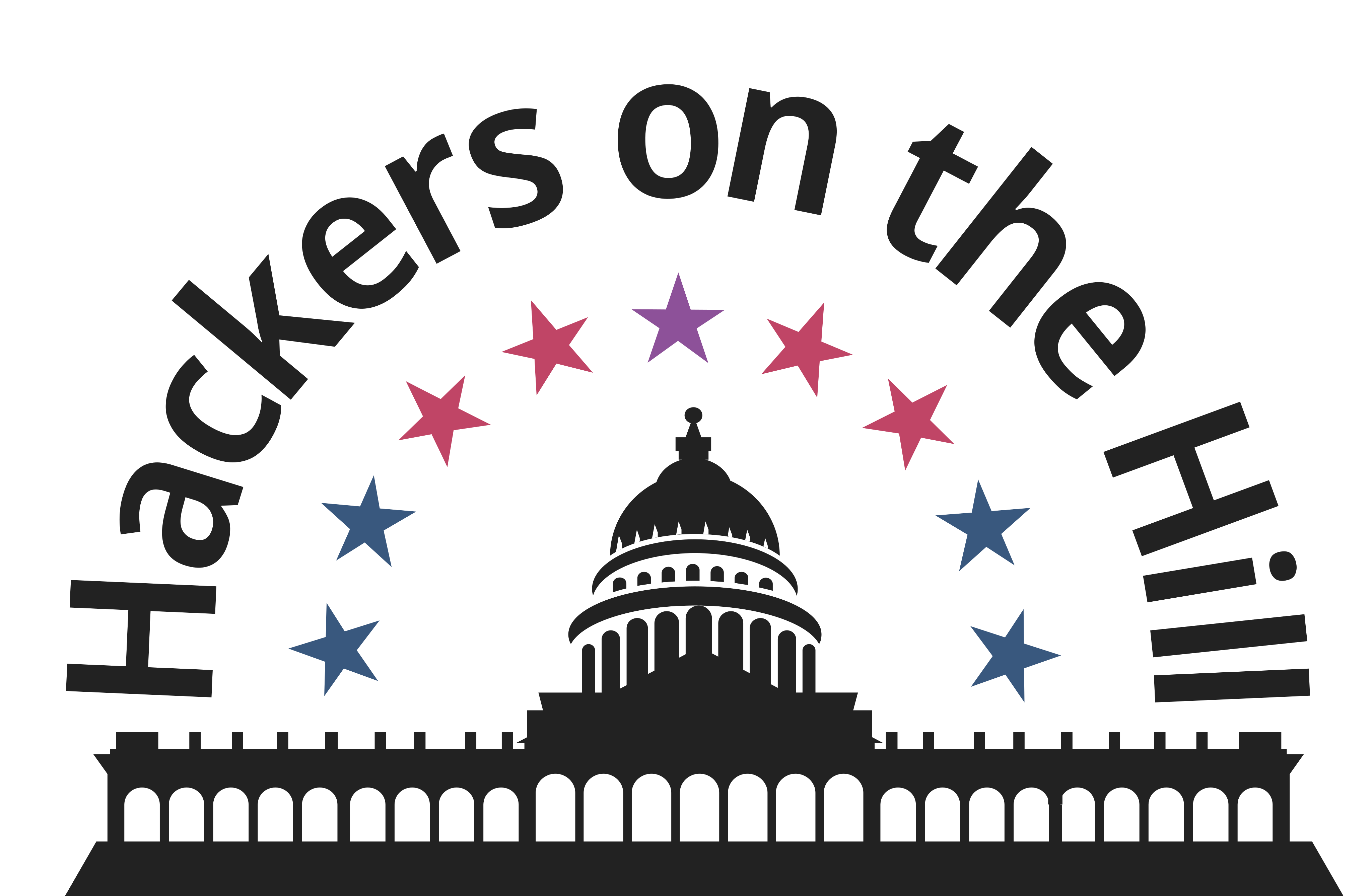
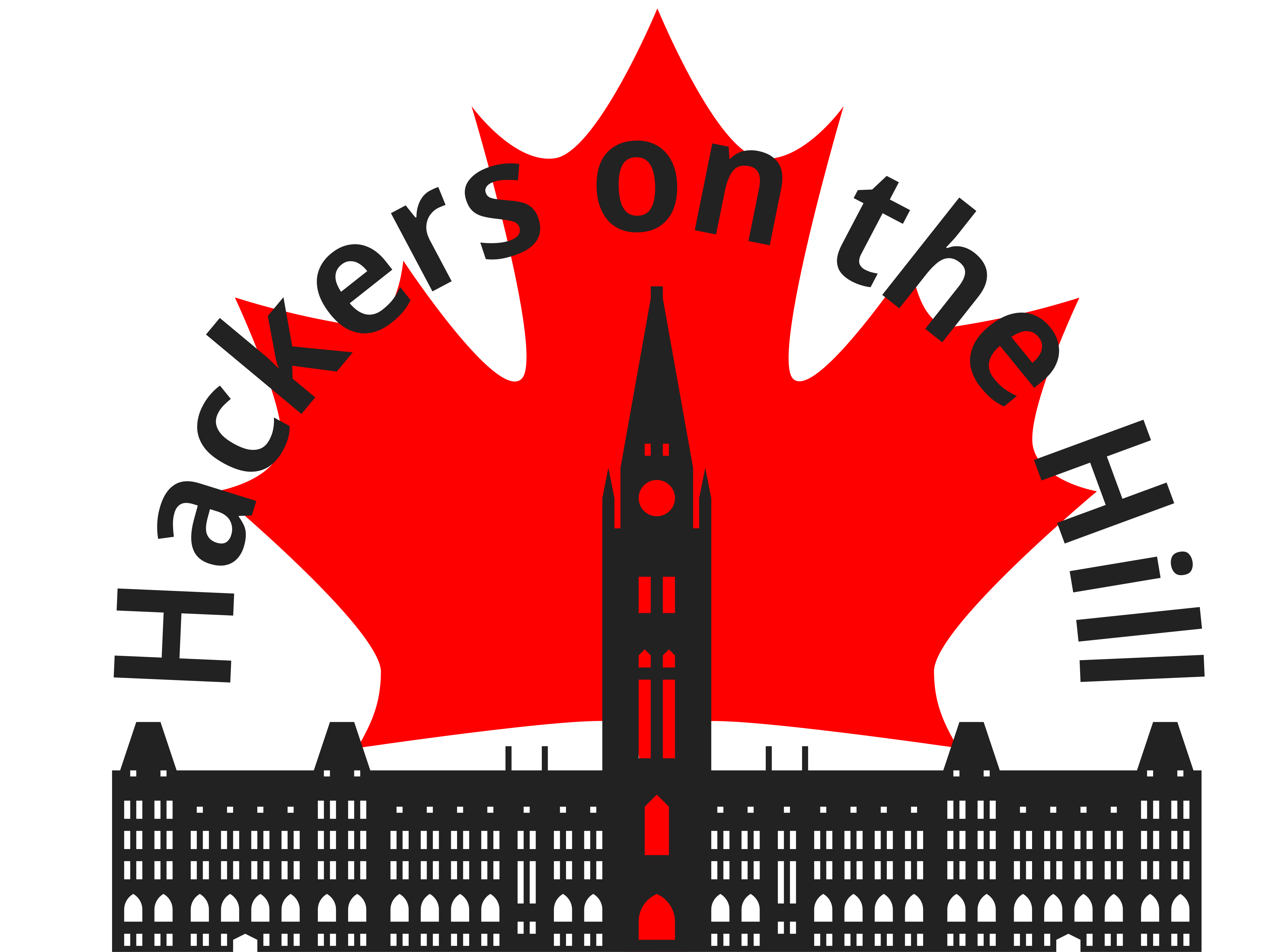
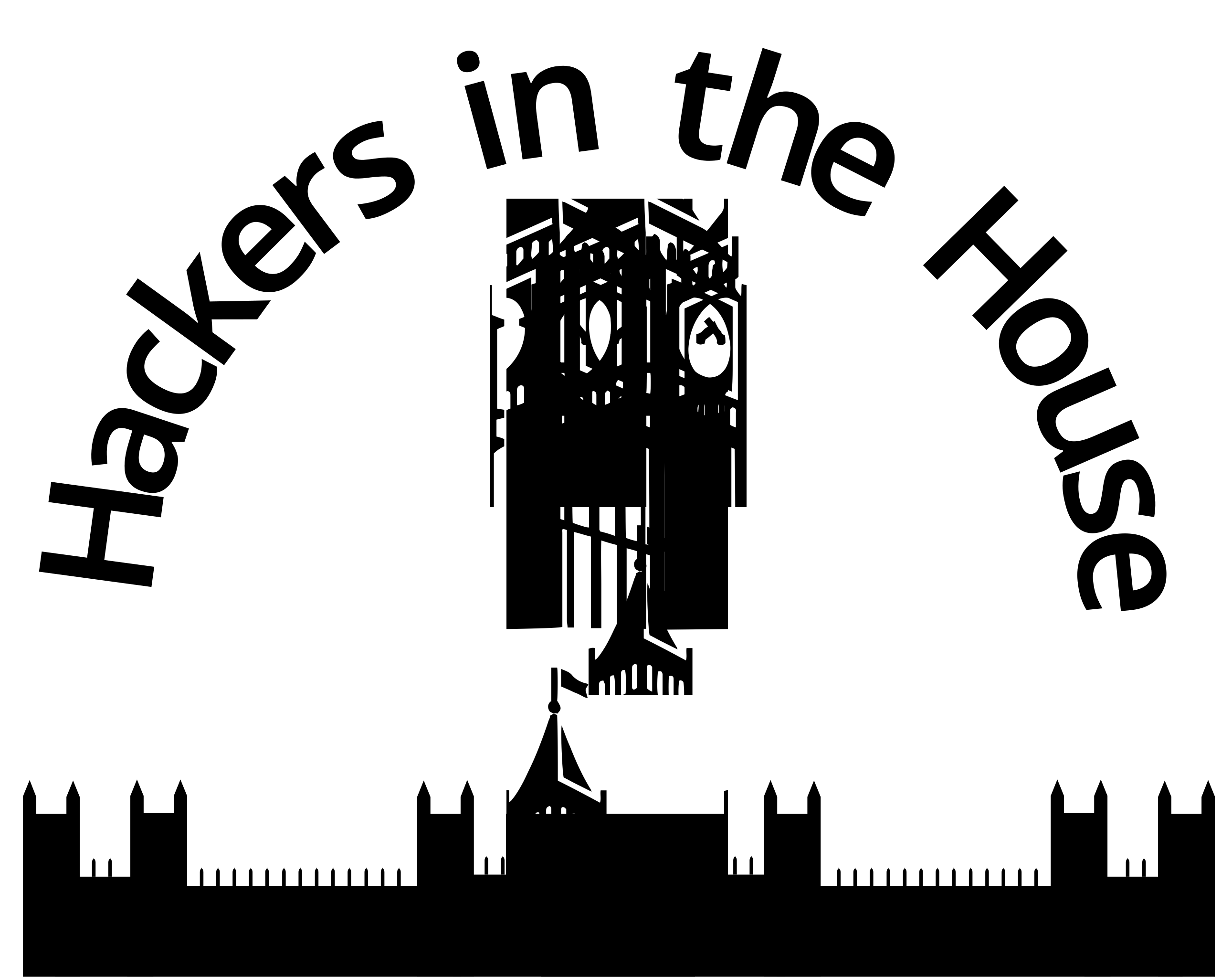
- Event name in arc text: "Hackers on the Hill" (or "Hackers in the House" for UK).
- Legislative or civic silhouette (or a substitute when a building is not distinctive).
- One unique local highlight (maple leaf, stars motif, local flag geometry, etc.).
Degrees of freedom (allowed variation)
- Silhouette choice and level of abstraction.
- The single local highlight element.
- Limited local colors applied only to the highlight.
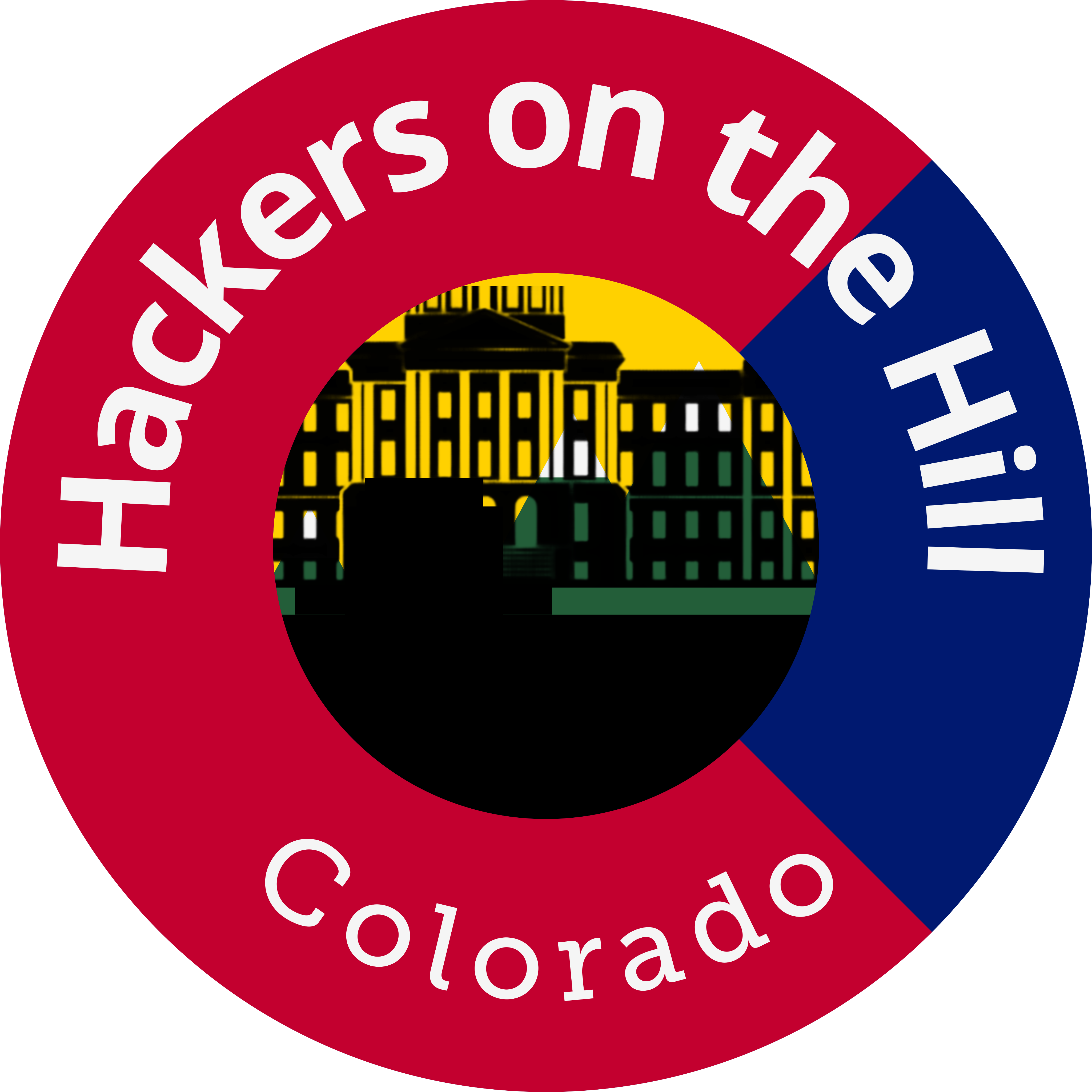
Logo family examples
These examples show the shared system: arc name, civic silhouette, and one local highlight.


Checklist
- All three invariants are present.
- Logo works at sticker and avatar size.
- Color usage is minimal and consistent.
Iconography & illustration style
- Flat, minimal icons with simple geometry.
- Consistent weight and clear meaning at a glance.
- No cliche hacker imagery or cartoon emoji style.
Details, rationale, checklist
Do
- Use consistent stroke weights.
- Keep shapes geometric and simple.
- Prefer symbolic clarity over decoration.
Don't
- Use emoji, clip art, or overly detailed scenes.
- Reference hacker stereotypes or cyber warfare imagery.
- Mix illustration styles in a single piece.
Checklist
- Icons read clearly at small sizes.
- Line weight and style are consistent.
- No cliches or heavy visual effects.
Composition & spacing
- Whitespace is a tool; keep layouts open and breathable.
- Use clear hierarchy and alignment for fast scanning.
- One message per asset; avoid competing focal points.
Details, rationale, checklist
Practical guidance
- Align edges and baselines; avoid visual drift.
- Use scale to signal priority, not decoration.
- Limit accents to one or two elements per piece.
- Make the primary message obvious in 3 seconds.
Checklist
- There is a clear visual hierarchy.
- Whitespace supports the message.
- Nothing feels cramped or noisy.
Stickers, badges, swag
- Design for small formats; bold shapes, minimal text.
- Provide a monochrome variant for easy production.
- Limit colors and avoid fine detail.
Details, rationale, checklist
Print constraints
- If it fails at 1 inch, simplify it.
- Use thick strokes and avoid tiny gaps.
- Keep to 2 to 4 colors max, including neutrals.
Checklist
- Readable at small sizes.
- Monochrome variant supplied.
- No fragile detail or thin strokes.
Deliverables & exports
- Always export SVG, PDF, and PNG (transparent + square).
- Include full color, 1-color black, and 1-color white.
- Use consistent naming with location and year.
Details, rationale, checklist
Required files
- SVG (master)
- PDF (print)
- PNG transparent (large)
- PNG square (social avatar)
- 1-color black and 1-color white variants
Naming convention
hoth-[location]-logo-[variant]-[YYYY].ext
Example: hoth-colorado-logo-primary-2026.svg
Checklist
- All required formats exported.
- Naming is consistent and searchable.
- Monochrome variants included.
Appendix: site tokens
- Web implementations reference the CSS tokens below.
- For print and social, use the hex values directly.
Details, rationale, checklist
These match the canonical palette and are used in the site CSS as single-source tokens.
:root {
  --dark-black: #121212;
  --hamlet-black: #2B2B2B;
  --revolution-grey: #999999;
  --shmoo-white: #F5F5F5;
  --bright-white: #FDFDFD;
  --rich-violet: #6B46A3;
  --bright-lavender: #B794F6;
  --buzz-gold: #EAAA00;
  --buzz-inverse: #FFBF1F;
}
Checklist
- Web colors map to these tokens.
- Print files include hex values in notes.
- Palette stays neutral-first.
Social cards & announcements
Details, rationale, checklist
Announcement
Logistics
Recap
Checklist